




Rodeoslot Mobile Access
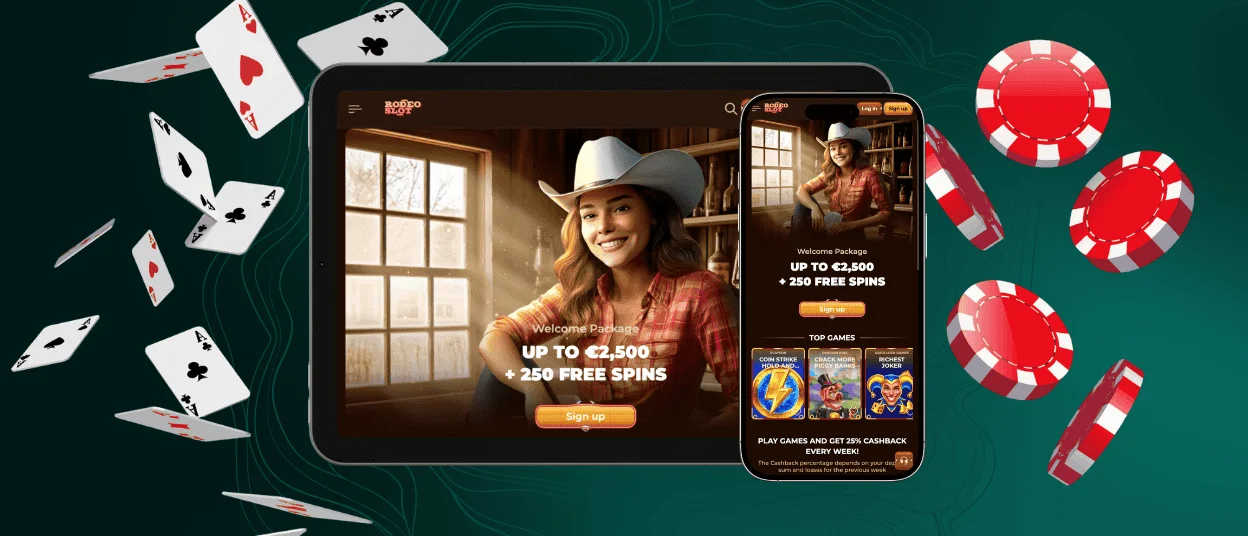
The Rodeoslot app gives our players a convenient way to enjoy their favorite casino games from a smartphone or tablet. You don’t need to download our application from the Apple Store or Google Play, but right from our website. It runs on every operating system, so you can access your account and manage your gameplay no matter what device brand you have.



Rodeoslot Mobile Access
Our application provides the same functionality available on the Rodeoslot Casino web version while fully optimized for smaller screens. The interface adapts to different displays, so you can easily navigate it from mobile devices and tablets. It takes up minimal storage space as well. The Rodeoslot app is a great variant for players who like gaming while traveling or don’t spend much time on the computer.
| Mobile app aspect | Benefit for players |
| Quick account access | You can start playing at our mobile casino with a tap on the Rodeo Slot icon, instead of launching the browser first. |
| Additional security | Players can enable Touch ID or Face ID for the app on smartphones and iPhones. |
| Push notifications | Notifications are more noticeable on mobile devices than on computers. |
| No data storage on the device | Our application doesn’t save any data on your phone, so you won’t lose anything if you decide to delete it. |
| Caching | The Rodeoslot app has a caching function that allows you to load it and check your balance or other information even with an unstable internet connection. |
But playing from a desktop is still a solid choice, especially if you enjoy live casino games.
Rodeoslot Android App
Android users can broaden their gaming experience by spinning online slots at Rodeo Slot Casino from their smartphones. You can just launch our platform from your mobile browser. It will be more convenient to install our app, but it’s also not necessary if you don’t want to clutter your home screen with more icons.
PWA
Rodeoslot app is a progressive web application (PWA). You can think of it as a website that looks and works like a native Android app but doesn’t have heavy download files. Players can install it directly from our official website by creating a browser shortcut through the site menu or by clicking the “Casino App” banner.
To create a shortcut, you will need to:
- Open the Rodeoslot Casino website in your mobile browser.
- Tap the three-dot menu icon near the search bar.
- Scroll till you see “Add to home screen” and click “Add.”
Once you complete the process, a Rodeoslot Casino icon will appear on your home screen. Now you can launch our mobile casino with a single tap.
APK
Since it’s not a native application but a PWA, there are no APK files. That means you don’t need to download them manually from stores. If you see such files with a similar name on third-party sites, there’s a high chance it’s malware that can damage your smartphone. The only way to install the Rodeo Slot app is from our official website.
Rodeoslot iOS App
One of the great advantages of PWAs is their cross-platform functionality. That’s why our iOS users can also freely install it on their devices. The process is as simple as with Android:
- Launch the Rodeoslot website through Safari.
- Tap the “Share” button and select “Add to home screen.”
- Customize the icon if you want to and confirm the installation.
Now you can authorize through the app and manage your account as on the web. Players can also make deposits through Apple Pay or complete the verification process on their iPhone.

Rodeoslot Desktop App for Windows and macOS
The Rodeoslot Casino runs seamlessly in any modern browser on PCs and laptops. Operating systems also don’t matter, as it works anywhere. You can either play as usual, launching our online casino from a browser, or create a shortcut. This way you won’t need to search for it every time. The Rodeo Slot app is as secure as the website, using the same TLS 1.3 encryption and web application firewalls to protect the data.
To create a shortcut, you just need to launch our online casino in your browser and click the download icon in the search bar. You can easily switch between playing on a computer and mobile any time and not lose your information, as it updates automatically when you log in on a new device.

FAQ
Do I need an account to use the Rodeoslot app?
It’s not necessary to have an account to install or use the Rodeoslot app, but without one, you will not experience the full functionality of our platform. If you don’t have a profile at our mobile casino, you can only browse through our catalog and try online slots and other games in demo mode.
Is customer support available in the Rodeoslot Casino app?
Yes, you can talk to our support team any time of the day through the live chat in the app. The web version also has it, so you don’t need to switch between devices if something happens and you need to consult our specialists. Players can also send an email to customer support from wherever they like.
How can I update the Rodeoslot Casino app?
You don’t need to update our application manually. Our app updates automatically in the background every time you run it on your phone. This way, you always have the latest version of Rodeoslot Casino.


